
6 ways to navigate and enjoy the route
Follow the route however you like with a roadbook, regularity or a track — all from the Rutas con Roadbook app.
Follow the route your way
- GPX roadbook (OpenRally)
- PDF roadbook
- Follow a GPX track
Regularity mode
- With a reference GPX
- With a reference track
- With a CSV timetable
Follow the route your way
Three ways to navigate the same route, depending on what you have or prefer to use.
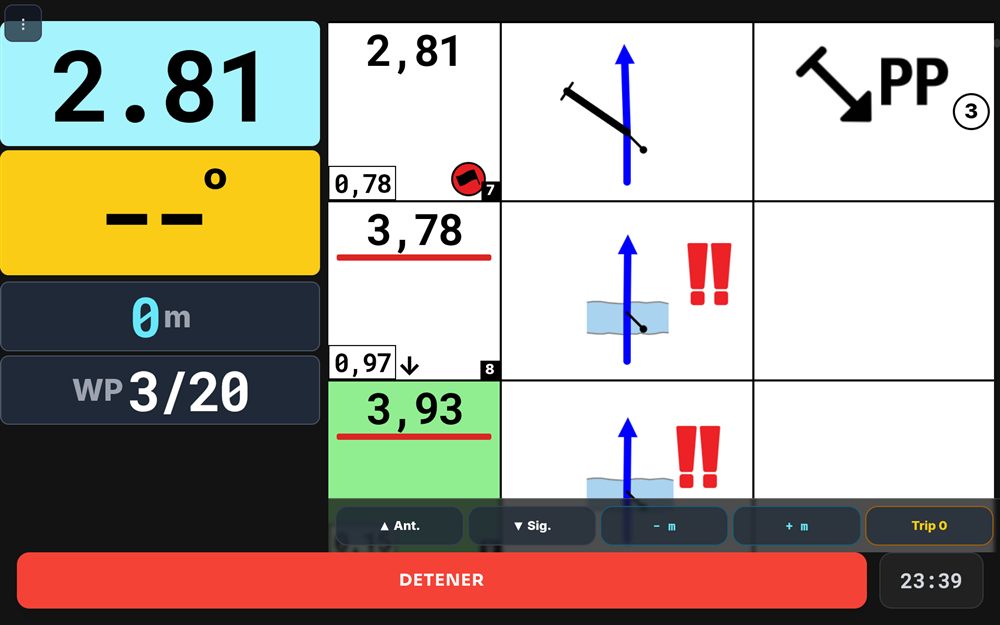
OpenRally GPX roadbook
The classic tulip roadbook, interactive and with hazard detection at each waypoint — navigate like a pro rider.
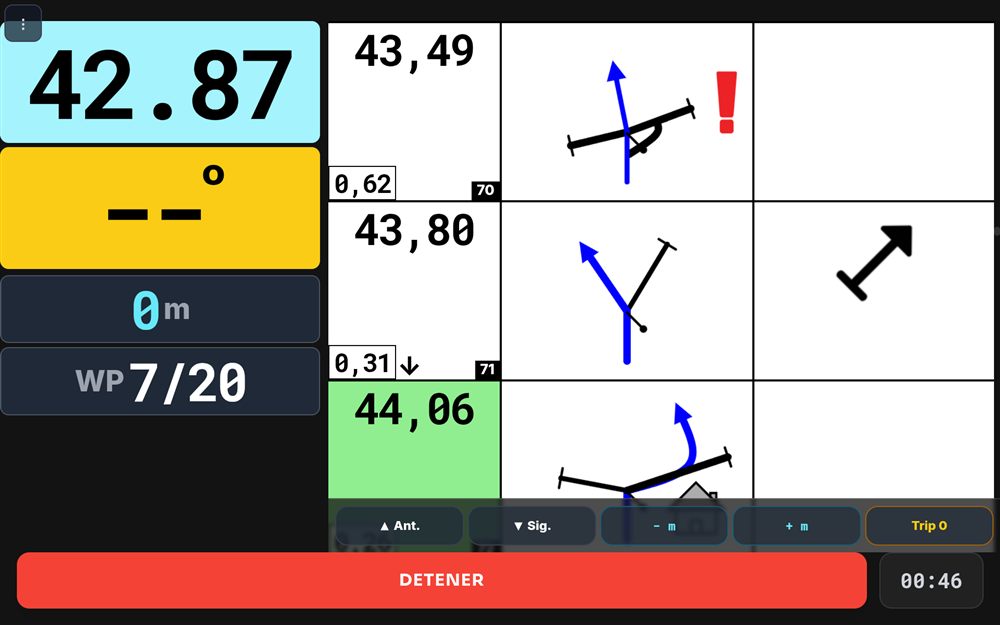
PDF roadbook
The good old roadbook, as a PDF: read it in the app without relying on paper.
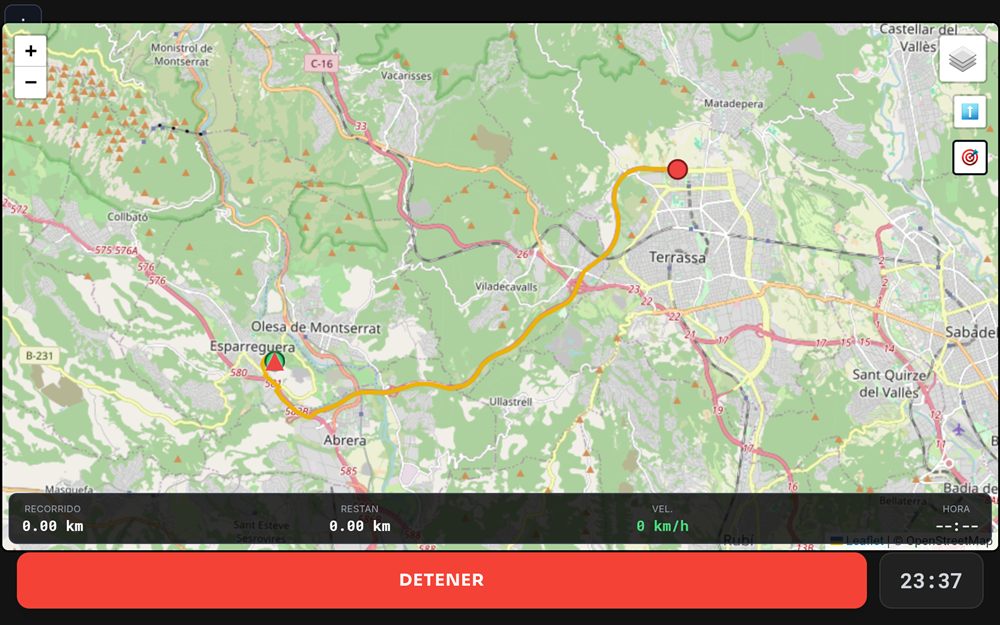
Follow a GPX track
Follow a reference GPS track with your real-time position on the route — ideal as a backup or when you don't need the roadbook's detail.
Regularity mode
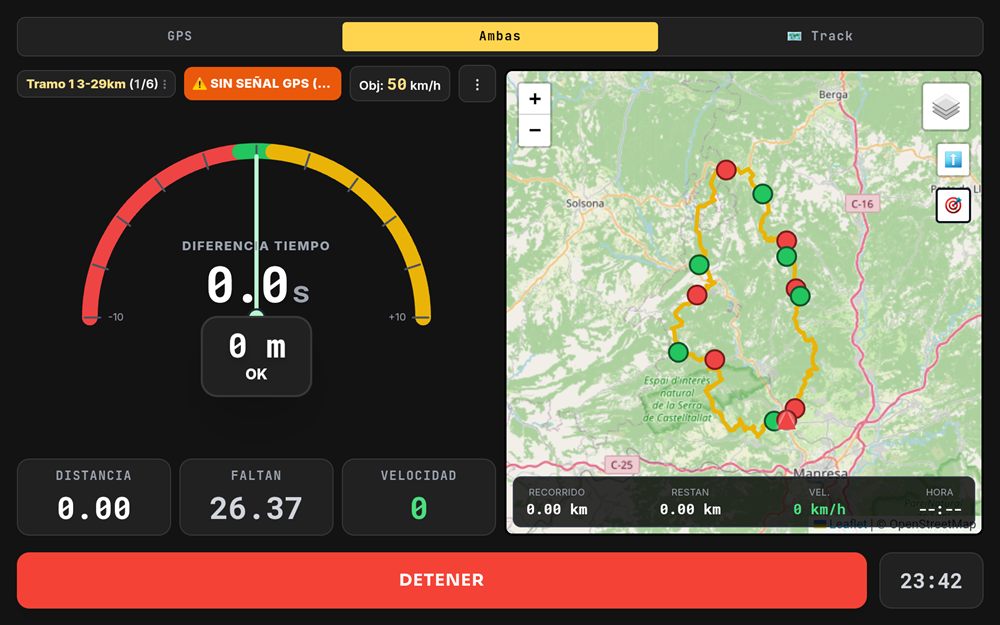
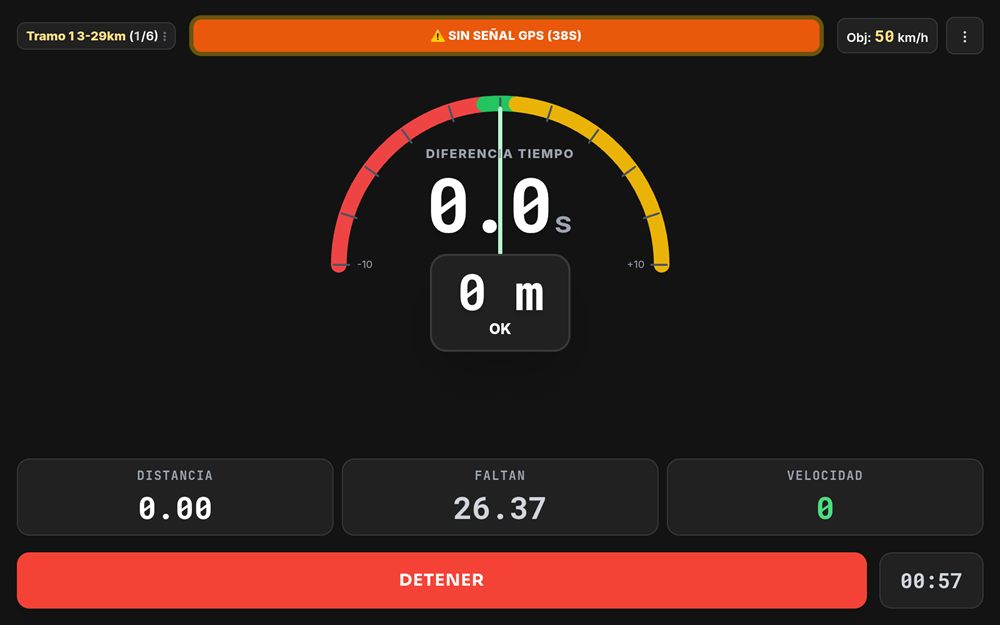
Compete at an average speed with the reference you prefer.
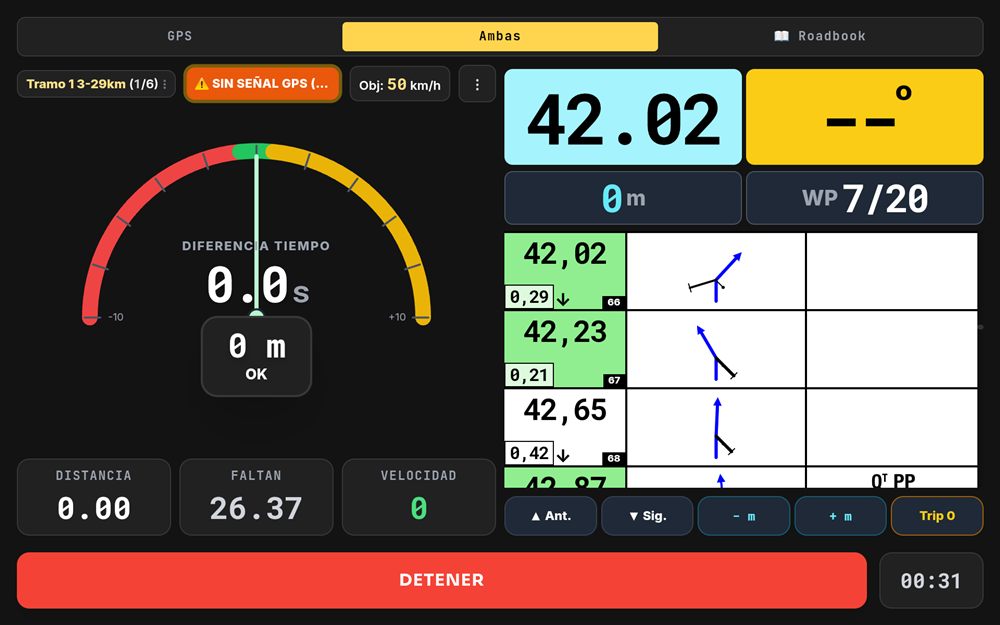
Regularity with an OpenRally GPX roadbook
The app checks your passage times on the roadbook itself (DSS-ASS), stage by stage.
Regularity with a track
The same regularity mode, but using a track (with the route map) as the reference instead of the roadbook.
Regularity with CSV
Import a CSV table (RallyNavigator Unik4 CSV) for regularity events.
Manage your event
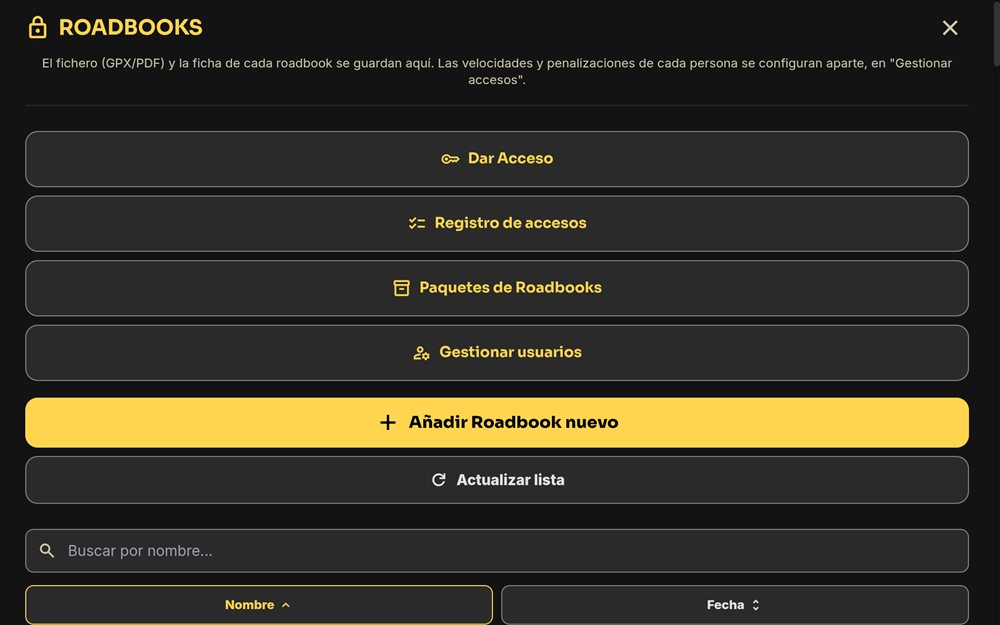
If you organise an event, upload the roadbooks or tracks and give each participant access from the app itself.
- Upload the roadbook or track (GPX/PDF)
- Give each participant access, or group them
- Check the access log at any time
Navigate and manage
with the Rutas con Roadbook app
Keep the roadbook in view, on your phone or tablet, and move forward without letting go of the handlebars using the Bluetooth remote.
Available on Google Play